

NO APP TO INSTALL
Your workday.
One tap closer.
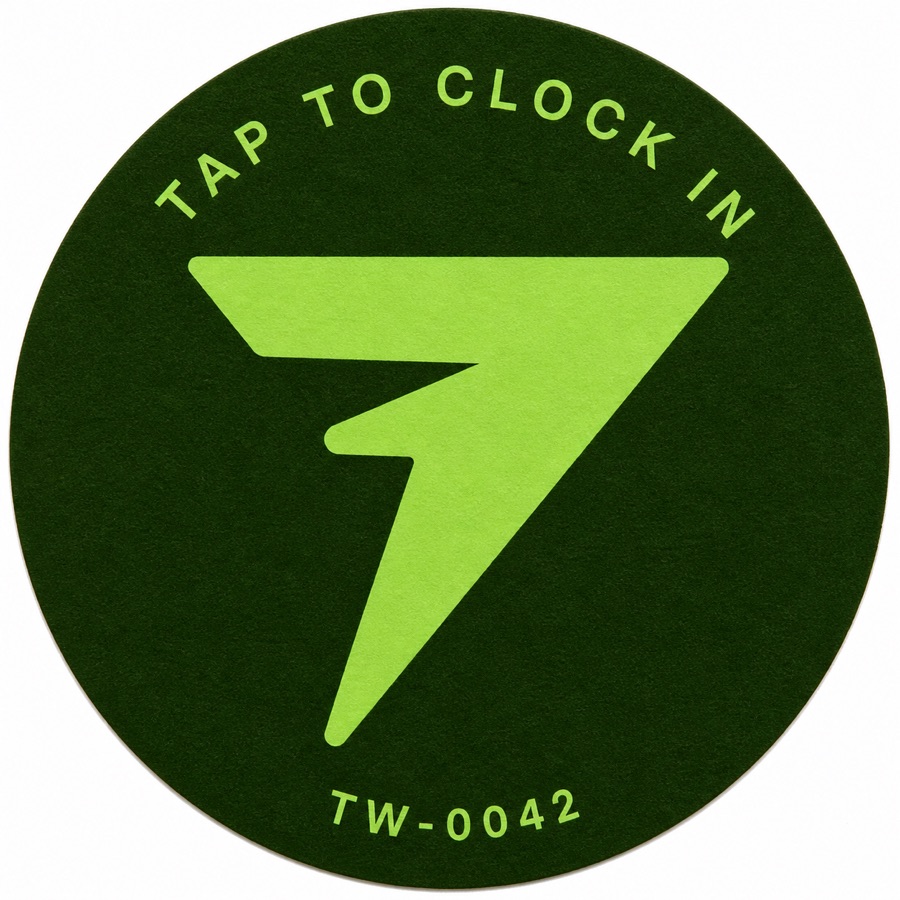
This is TapWren.
Time tracking for the people who
keep your church running.
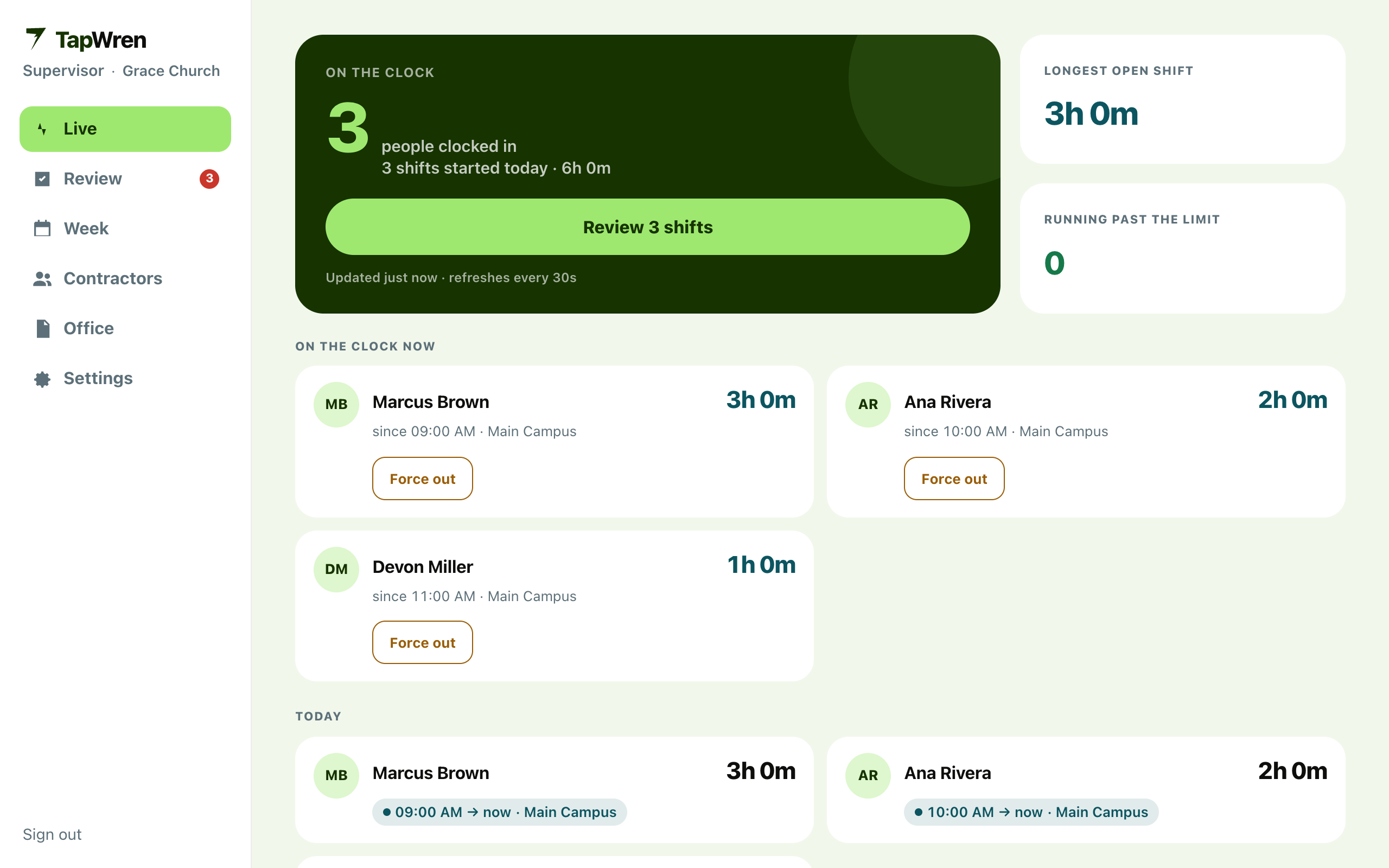
One connected flow. From the first tap to approved hours.
THE EVERYDAY, RECONSIDERED.
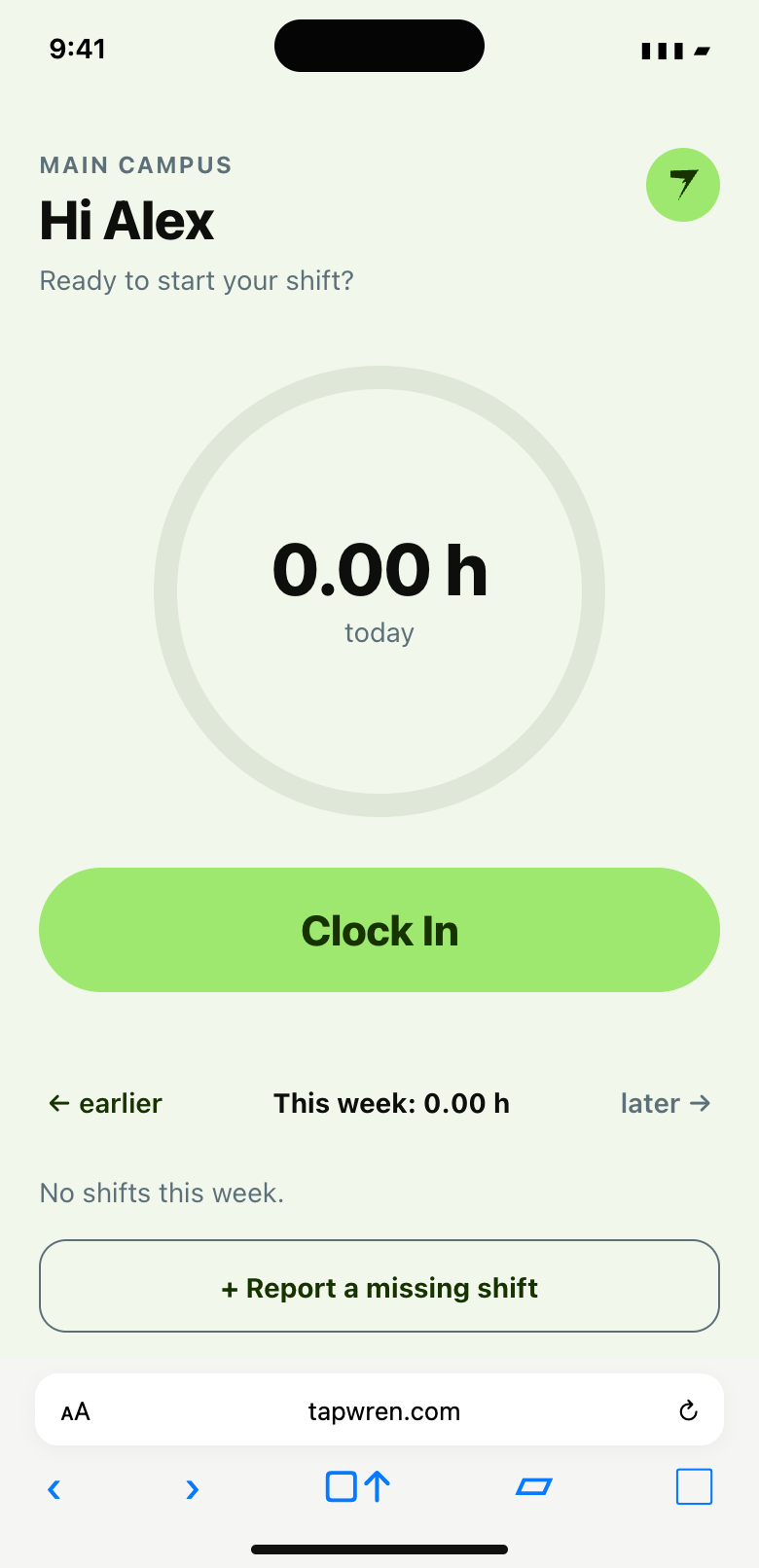
NO APP TO INSTALL
SMALL BY DESIGN
A CLEARER HANDOFF
ILLUSTRATIVE WEEKLY SUMMARY
One connected flow. Thoughtfully simple.
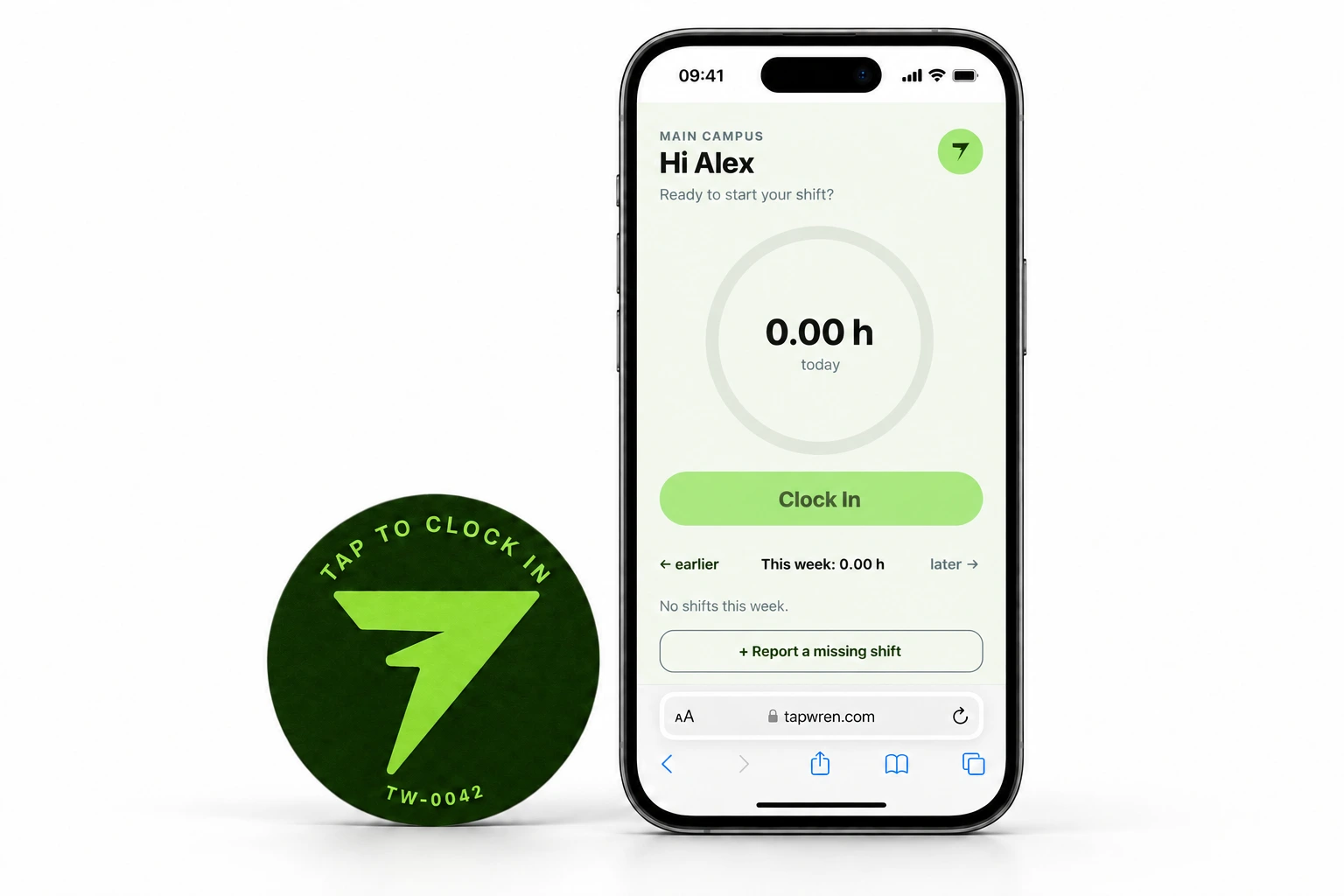
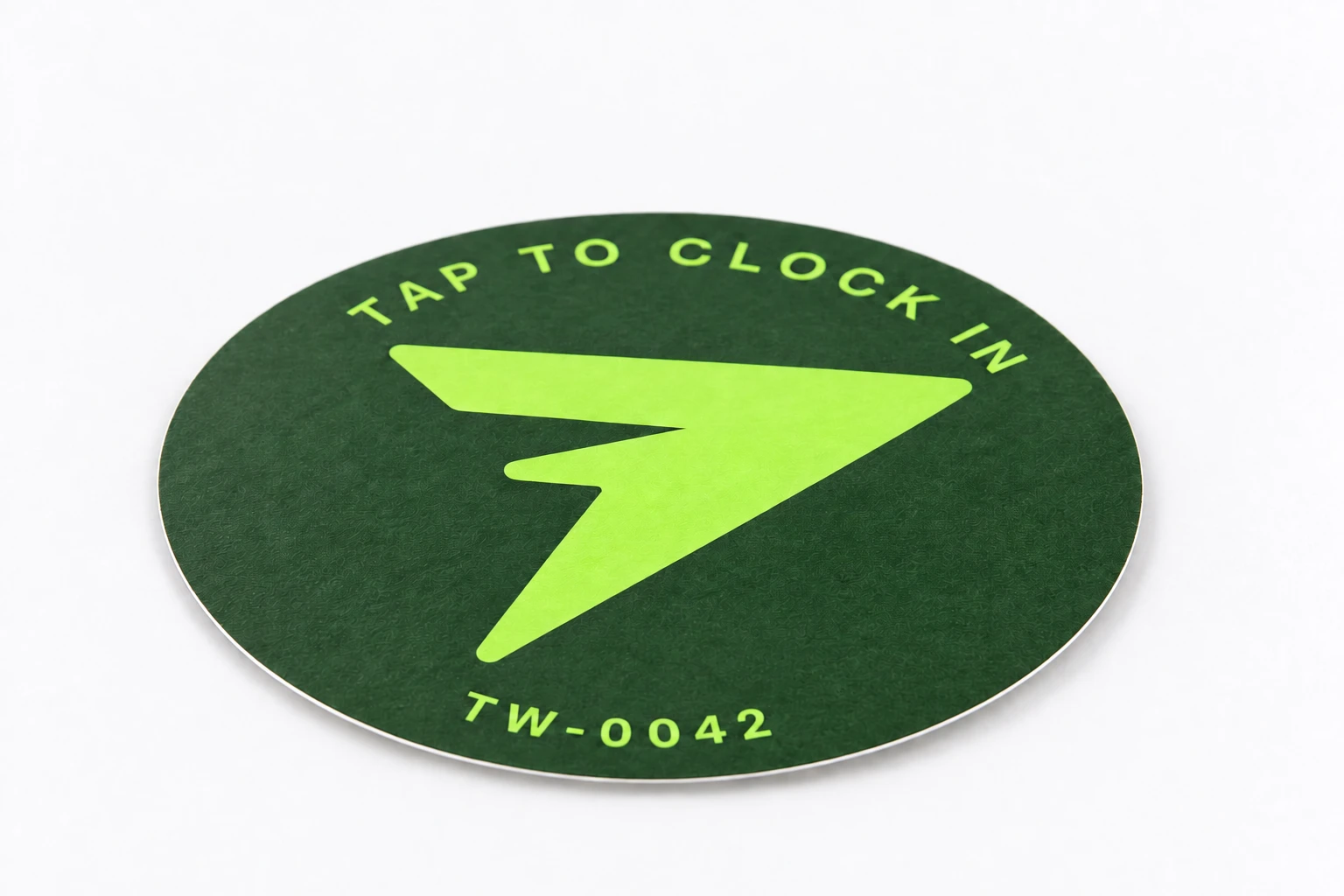
Meet the TapWren Tag.
Beautifully simple. Surprisingly small.
A familiar place to start every shift.
A little space.
A lot less admin.
NFC. No battery.
No app to install.
Explore the Tag — gallery, specs & packs
Designed for NFC-capable iPhone and Android phones.
Give it a try.
It really is this simple.
01 / 03
Hold your phone near the TapWren Tag. Your workday is one tap closer.
Made for the whole team.
From busy buildings to the payroll inbox.
Keep the details together, and your day moving.
Built around the work. With care for the people doing it.
No screenshots. No keystroke tracking. Just worked time.
Location mismatches go to review. They don’t stop a tap.
Corrections and approvals leave an audit trail you can follow.
No. A tap opens TapWren in the phone’s browser. The contractor then confirms Clock in or Clock out.
The shift auto-closes and goes to the review queue, so a supervisor can check and correct the hours.
Yes. Organize campuses and buildings as sites within your church. Each church’s information stays separated.
Supervisors review the entries. Approved hours can be exported as CSV, with a weekly Monday email and on-demand date ranges.
See how a little tap can change your workday.
Made for church contractors. And the teams behind them.